
NK101 Sign-Up - The Complete Walkthrough for Players in Nepal
Registration at NK101 is short, but the details entered here follow the account for its whole life: they decide whether a withdrawal is approved and whether a lost password can be recovered. This walkthrough goes screen by screen, then covers the verification code, the password and the first five minutes after login.
- Free
- Mobile number
- SMS code
- Username login
- 18+

Before You Start
Three things should be ready before the form is opened; each one is used later.
- a Nepali mobile number in your own name with signal for the SMS;
- a password you do not use anywhere else;
- your name spelled as on your citizenship card, licence or passport.
A number borrowed from a relative or a temporary SIM is the single most common cause of a locked account, because every recovery step goes through that number.
Sign-Up Walkthrough
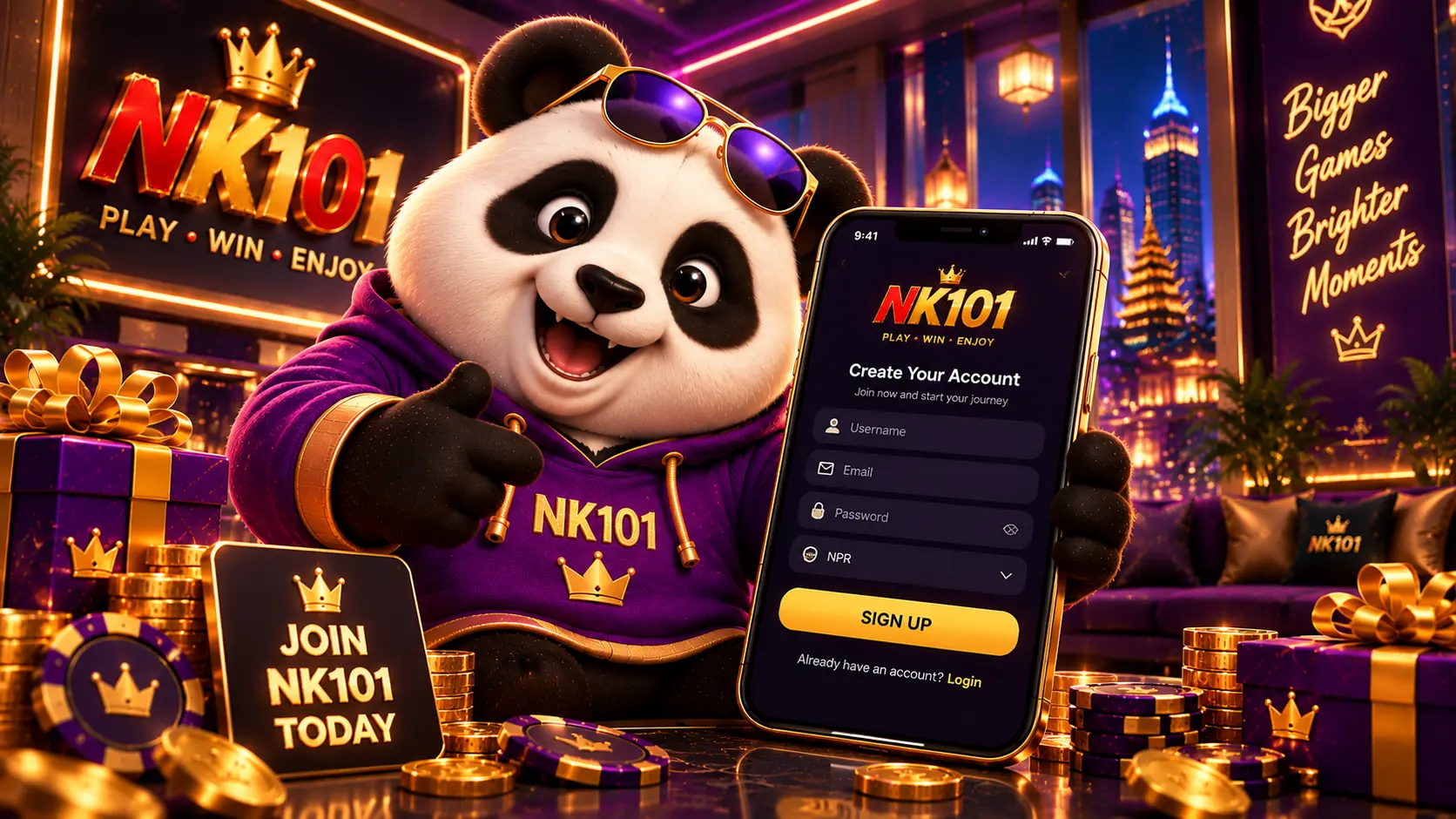
The form has the same fields on the website and in the Android app.
- Tap Register in the header; the form opens on the same page;
- Choose a username; it is what you will type at login, separate from the phone number;
- Set the password; the form shows the minimum requirements while you type;
- Enter the mobile number and any other details the form asks for;
- Request the code, type it in and submit; the account is active immediately.
The Verification Code: Timing and Issues
The code normally arrives within a minute. When it does not, the fixes are simple and none of them involve a second registration.
| What you see | Cause | Fix |
|---|---|---|
| No SMS after a minute | Weak signal, wrong number, SMS filter | Check the number, move to better signal, wait for the resend timer |
| Code rejected | Code expired or typed with a space | Request a new code and enter it without spaces |
| Number already registered | An account already exists | Use login or password recovery instead of signing up again |
| Form does not submit | A required field or the terms box is empty; a VPN is active | Fill every field, tick the terms, switch the VPN off |
The code is confidential. Support staff never ask for it, and a caller who does is not from NK101.
No fee and no deposit at sign-up; the account opens after the SMS code.
Create an accountChoosing a Strong Password
Because the account holds money, the password deserves more care than a social media login. A phrase of three unrelated words with a number and a symbol is long, memorable and hard to guess. Avoid the phone number, the username, a birth year or anything already used on another site, and change the password at once if a device it was typed on is lost.
After Login: the Five-Minute Setup
A few minutes spent right after the first login save support tickets later.
- check the name and number in the profile;
- open the promotions section and read the first deposit card before depositing;
- open the cashier to see the deposit methods and their minimums;
- set the interface language;
- note where the support section is.
The first deposit offer is claimed before the deposit, not after; the promotions page explains the order of steps.

Recovering Access
Login uses the username and password. A forgotten password is reset through the Forgot? link on the login form: the registered number receives a code and a new password is set. A forgotten username or a lost number is handled by support against the account details. Opening a second account to get around a login problem breaks the one-account rule and can block withdrawals from both profiles.
Mistakes That Cost Time Later
Each of these passes unnoticed at sign-up and surfaces at the first withdrawal.
- a nickname instead of the real name;
- someone else's phone number;
- a reused password;
- a VPN that changes the country during registration;
- a second account instead of password recovery.
FAQ
Quick answers for players in Nepal.
Does sign-up cost anything?
No. Registration is free and no deposit is required to open the account.
Do I log in with the phone number?
No. Login uses the username and password; the number is for verification and recovery.
Can I sign up in the app?
Yes. The APK contains the same form as the website.
How many accounts may I have?
One. Duplicate accounts are closed.
What if my number changes later?
Contact support from the account to update it; do not register again.
Is identity verification required?
Phone verification happens at sign-up; an identity check can be requested before a withdrawal.
Username, password, mobile number, SMS code: that is the whole form.
Sign up now